
When you think of activities that will take years off your life, sitting is likely not the first activity that jumps to the front of your mind. Staying glued to your office chair all day takes a toll on your body and your mind. But you can’t magically add thousands of steps or a weight training session into your daily routine, right?
Lack of time is one of the most common barriers to exercise. You’re busy with work, family obligations, running errands, and catching up on the latest Netflix series. It can be challenging to squeeze even the shortest amount of physical activity into your day.
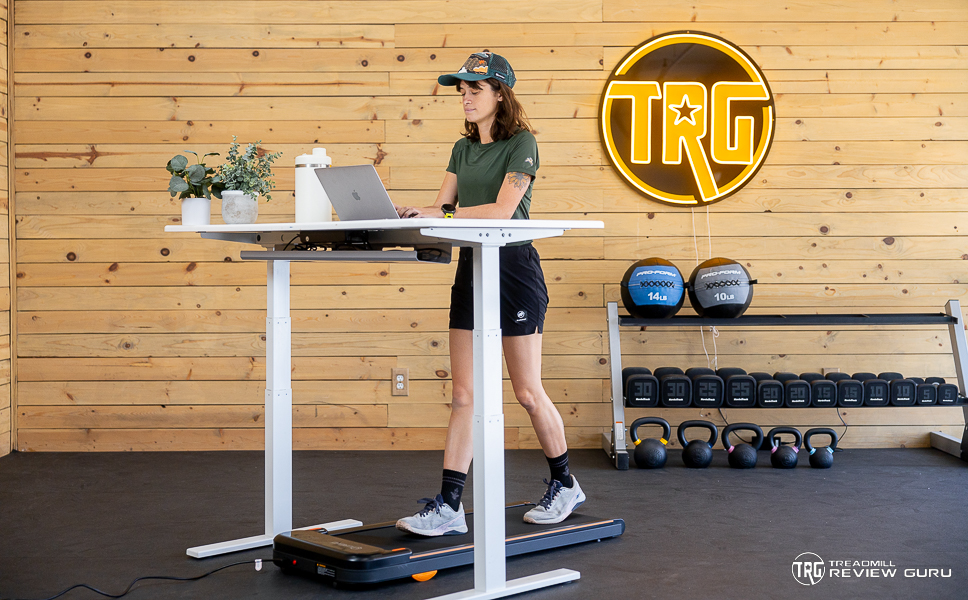
Enter under-desk treadmills. An under-desk treadmill, also known as a walking pad, is an efficient solution to help you stay active and healthy while maintaining your busy work schedule or routine. Adding more movement to your day will help you feel better physically and can improve your mental health.
After testing tons of under-desk treadmills, I have narrowed it down to the best of the best. Keep reading to learn about the walking pads we chose.

Prefer a Video vs Text? Watch our Best Under-Desk Treadmills video, updated for 2026 below:
Best Under-Desk Treadmills, Compared:
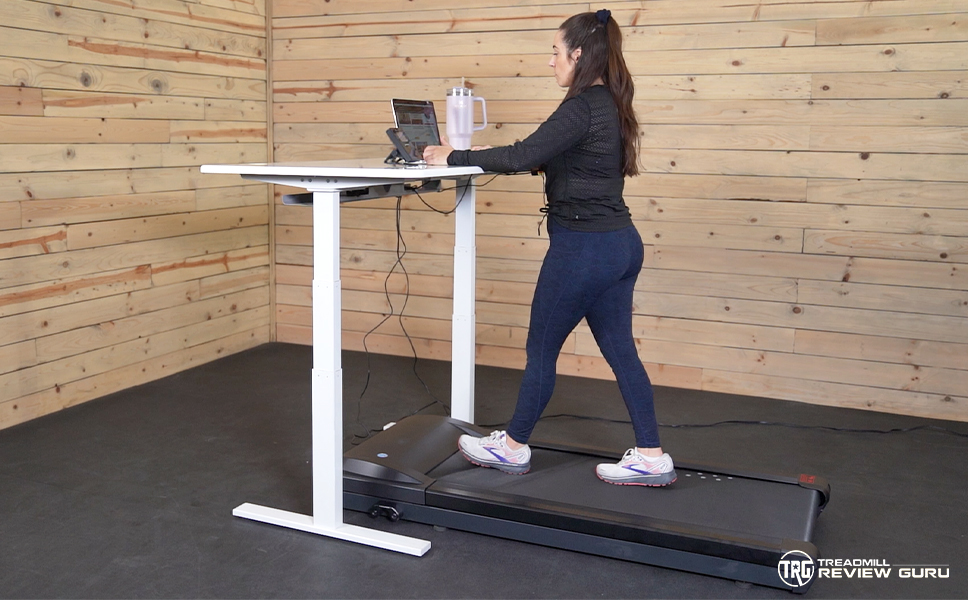 LifeSpan TR5000 LifeSpan TR5000 | 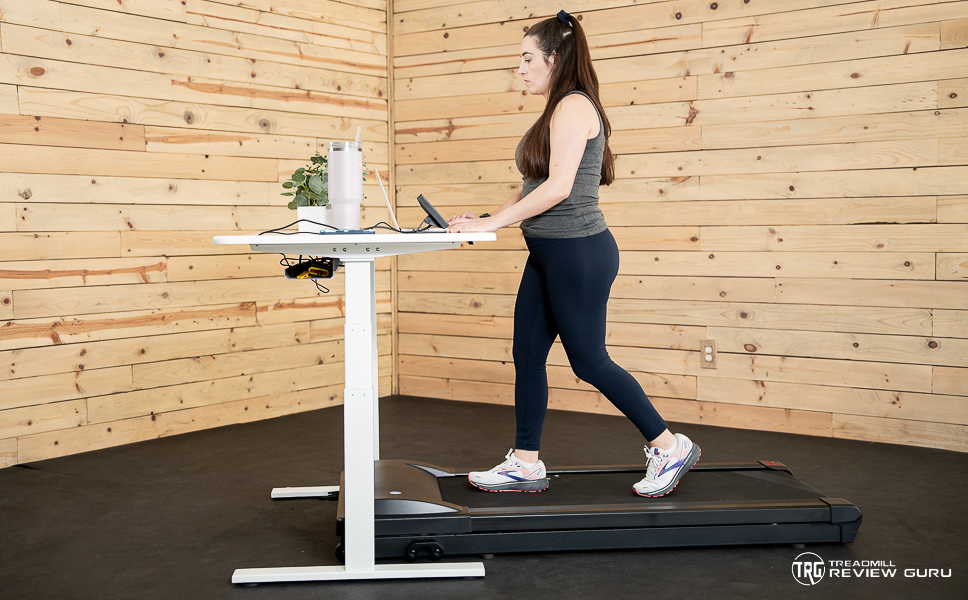 LifeSpan TR1200 LifeSpan TR1200 | 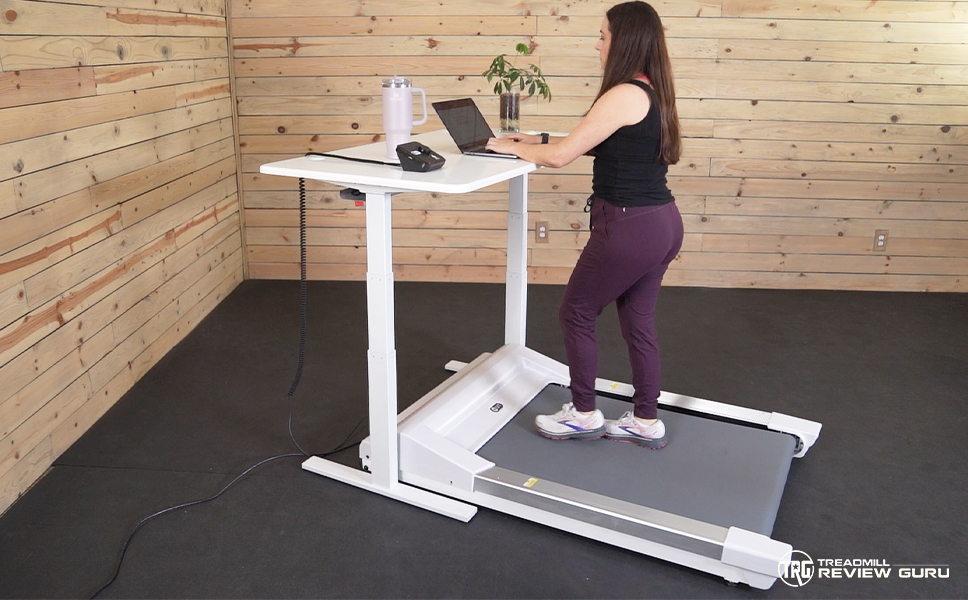 InMovement UnSit InMovement UnSit | 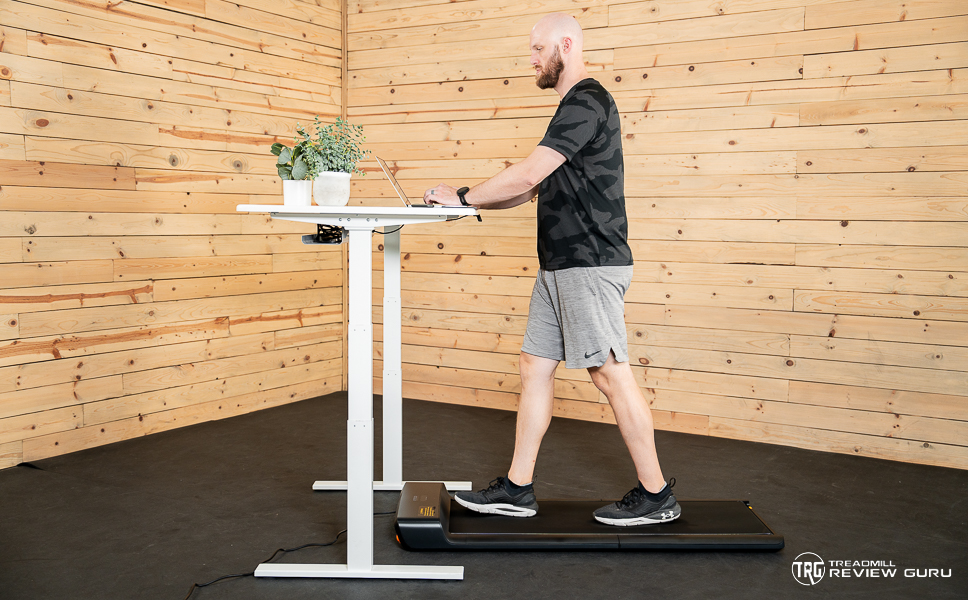 WalkingPad A1 Pro WalkingPad A1 Pro | 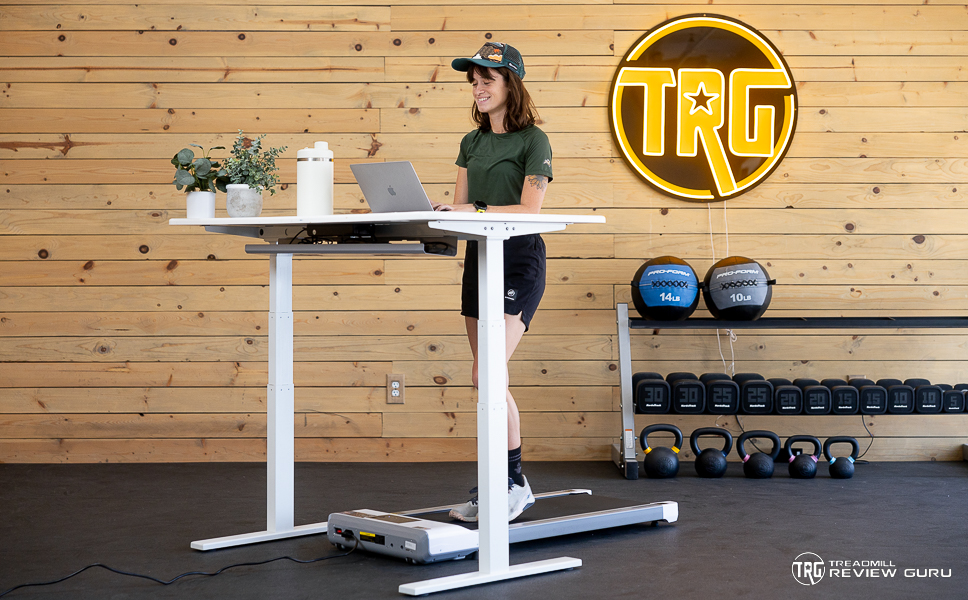 DeerRun Walking Pad DeerRun Walking Pad | 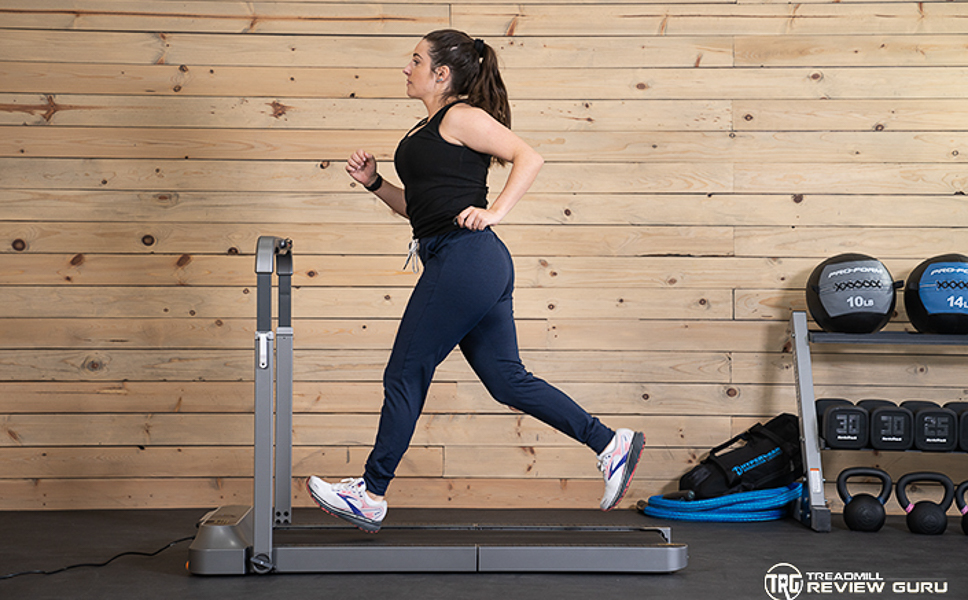 WalkingPad R2 WalkingPad R2 | 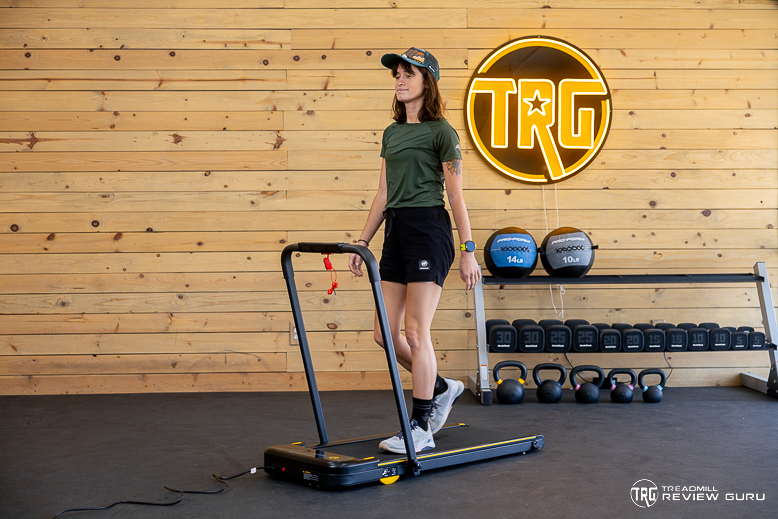 Urevo 2-in-1 Urevo 2-in-1 | |
| Price (MSRP) | |||||||
|---|---|---|---|---|---|---|---|
| Star Rating | |||||||
| Bottom Line | The LifeSpan TR5000 counts your steps, auto-pauses, and runs for up to 9 hours per day for desk workers serious about their steps. | A quality, quiet, under-desk treadmill to get work done at your desk for up to 6 hours daily. | The InMovemet UnSit treadmill’s 30” x 40” belt breaks the traditional under-desk treadmill mold in a thoughtful and revolutionary way for your office space. | This compact and affordable folding under-desk treadmill is surprisingly robust for larger users. | The DeerRun Walking Pad connects with the PitPat app to expand the treadmill’s under-desk capabilities to fitness walking. | The R2 is a great space saver and multi-functional treadmill. Allowing you to use it under a desk or as a stand alone machine. | The Urevo 2-in-1 Treadmill is the compact, versatile, and affordable treadmill for anyone with a restricted budget or space. |
| Awards Earned | |||||||
| Check Price | Check Price | Check Price | Check Price | Check Price | Check Price | Check Price | Check Price |
| Product | LifeSpan TR5000 | LifeSpan TR1200 | InMovement UnSit | WalkingPad A1 Pro | DeerRun Walking Pad | WalkingPad R2 | Urevo 2-in-1 |
| Workout Experience | 8 | 8 | 8 | 8 | 7 | 7 | 6 |
| Specs / Features | 8 | 7 | 7 | 6 | 5 | 7 | 5 |
| Dimensions / Storability | 5 | 5 | 3 | 10 | 8 | 10 | 9 |
| On-Board Workouts & Apps | 6 | 6 | 6 | 6 | 7 | 6 | 6 |
| Build Quality | 9 | 9 | 8 | 8 | 6 | 6 | 5 |
| Overall Score | 75 | 73 | 74 | 75 | 63 | 74 | 64 |
| # of Onboard Workouts | 1 | 1 | 1 | 1 | 1 | 1 | 4 |
| Paid Programming - Cost | N/A | N/A | N/A | N/A | $9/month | N/A | N/A |
| Netflix / 3rd Party Apps | N/A | N/A | N/A | N/A | N/A | N/A | N/A |
| Display | Desktop Console (Omni or Retro) | omni-hub console, retro console | dial console; app option | LED digital display | LED | LED digital display | LED |
| Dimensions (In Use) | 63" L x 28.5" W x 7.25" H | 63" L x 28.5" W x 7.25" H | 56" L x 39" W x 8.9" | 56.37” L x 21.5” W x 5” H | 49” x 20” x 4.5” | 57” L x 28” W x 40” H | 51.2" x 22.6" x 4.6" |
| Deck Size | 20” x 50” | 20" x 50" | 30" x 40" | 16.5” x 47” | 15.4” x 39.4” | 47” x 17” | 15" x 40.1" |
| Treadmill Weight | 119 lbs | 114 lbs | 162 lbs | 61.73 lbs | 43 lbs | 80 lbs | 55 lbs |
| Weight Capacity | 400 lbs | 350 lbs | 400 lbs | 230 lbs & 300 lbs | 300 lbs | 240 lbs | 265 lbs |
| Motor Size | 3.0 HP | 2.25 HP | 2.75 HP | Brushless | 2.5 HP | Brushless | 2.25 HP |
| Max Speed | 4 mph | 0 to 4.0 mph | 2 mph | 0.5 to 3.72 mph | 3.8 mph | 3.7 MPH, 7.45 MPH | 4mph (walking mode) 6.2 mph (running mode) |
| Incline/Decline | N/A | N/A | N/A | N/A | N/A | N/A | N/A |
| Warranty | 10-year frame; 2-year parts, 1-year labor | 10-year frame, 2-year parts, 1-year labor | lifetime frame, 2-year parts, 1-year labor | 1-year | 2-year limited warranty | 1-year | 1-year |
| Additional Features | Intelli-Step, Intelli-Guard, All-day use | Intelli-Guard deck safety, Intelli-Step counter, 6 hours of daily use | All-day use, supports a chair, automatic shut-off | folding deck, automatic mode, Bluetooth | Remote, compact storage, multiple color options | 2-in-1 folding design, adjustable height handle, | Third-party app connectivity, quiet motor, magnetic remote control |
Best Under-Desk Treadmills 2026 – Our Experts’ Top Picks
Check out our picks for the top walking pads and under-desk treadmills!
DeerRun Z10 Incline Treadmill
Best Under-Desk Treadmill
- 12 incline levels
- Remote control
- PitPat app connectivity
- Step counter
- 300-lb weight capacity
- Budget-friendly
- Beeps can’t be turned off
- Small walking surface may not be ideal for all users
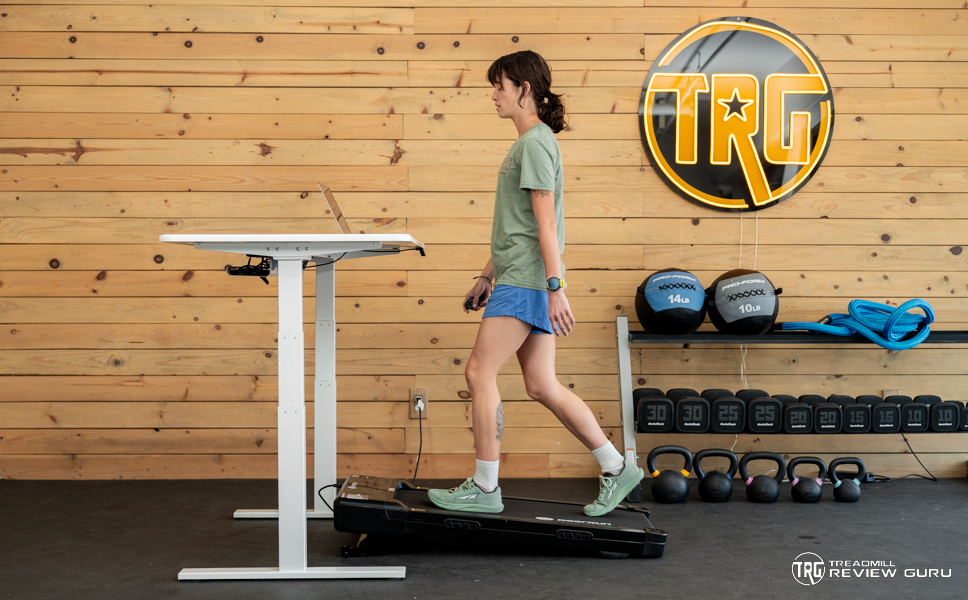
The DeerRun Z10 has a 16” x 35” walking surface, which leaves room for you to walk up to the 3.8 mph maximum speed. Those of you with long strides or a wider step may find it more difficult to walk on the Z10 and stay centered. Additionally, some walkers who use a small walking pad at their standing desk report that it is hard not to shift side to side and step off the deck. I managed just fine, but it may take some getting used to.
While the Z10 doesn’t have any built-in training programs, it does connect with the PitPat app. You can set your phone on your standing desk while training to track your progress and compete against other walkers in the PitPat app. It’s entirely optional to use. I like using it as a back up if I ever misplace the remote the Z10 comes with.
Click here to read our detailed review of the DeerRun Z10 Incline Treadmill.
Interested in the DeerRun Z10 Incline Treadmill?

WalkingPad A1 Pro Under-Desk Treadmill
Best Folding Under-Desk Treadmill
- Very compact & foldable
- Compatible with most desks
- Easy to move and store
- Tracks time, distance, speed, and steps
- Max speed of 3.7 mph
- 300 lb weight capacity
- Deck might be limiting for larger users
- Not meant for jogging or running
It has a 47″ long by 16.5″ wide deck. The walking surface is large enough to walk on yet small enough to fit under most desks. Remember that the WalkingPad only comes with the treadmill and no desk. The A1 Pro goes up to 3.7 mph, giving you some speed to walk fairly briskly.
The motor is pretty quiet, so you won’t be disruptive if your work area has others in it. You won’t have trouble moving the WalkingPad A1 Pro because it only weighs about 62 lbs. Plus, it has wheels, so you don’t have to carry it, although you could.
The display on the motor hood allows you to switch between automatic and manual modes, and the speed is controlled by a small remote. You can also download the KS Fit app to pair the A1 to your phone through Bluetooth and track your walking sessions. The app will keep track of your average speed, estimated calories, step count, and distance.
Click here to read our detailed review of the WalkingPad A1 Pro.
Interested in the WalkingPad A1 Pro?
Urevo Walking Pad
Best Affordable Walking Pad
- Beeps turn off
- Magnetic remote control
- Lightweight and portable
- 4 mph top speed
- 2.25 HP motor
- No Bluetooth
- May feel too short and narrow for some users
Another feature I like about the remote is that it’s magnetic. It’s easy to misplace the remotes that come with these walking pads because they usually don’t include a place to store them when you are not using. Urevo solves this by making the remote magnetic, so it will stick to the front of the treadmill.
The weight capacity for this treadmill is 265 lbs, which is pretty reasonable for its construction, in my opinion. Its walking surface is 15” x 40”, making it one of the more narrow options on this list. While I like how lightweight it is, the compact design may make it difficult for some walkers to reach the maximum speed of 4 mph.
I recommend the Urevo Walking Pad for anyone who wants a non-beeping under-desk treadmill for their office.
Interested in the Urevo Walking Pad?

DeerRun Q1 Classic Walking Pad
Best Budget Under-Desk Treadmill
- Low price
- Remote control
- Light weight
- Comes in multiple colors
- Bright display
- Pairs with the PitPat app
- Beeps
- Lower weight capacity and less durable than more premium options
The DeerRun Walking Pad rose to the top when we were testing a variety of cheap under-desk treadmills. Its performance wowed us enough to earn it a position on this list, too. It is quiet and sturdy despite its lightweight build. It has decent footrails and sits low to the ground.
As is standard with most walking pads and under-desk treadmills, the DeerRun has a remote control to adjust the speed. It has a simple but bright display that should be large enough for most walkers to see. It shows your time, distance, calories, and speed, but it does not track your steps.
The Q1 measures 49” x 20.5” x 4.5”. It has a 300-lb weight capacity. The deck is 15.4” wide and 39.4” long. It’s short and compact, but not too bad for its price range. You get a 2-year warranty on this treadmill.
You can pair the DeerRun Q1 Classic with the PitPat app, which is DeerRun’s training app. While you can subscribe to the app for more training features, it can be used in free mode to replace your treadmill remote should you lose it. If you are looking for an under-desk treadmill with virtual achievements and workouts, the Q1 with PitPat is pretty nice.
We like this treadmill because of its compact size and budget price.
Be sure to check out DeerRun’s fun holiday editions, too. At the time of writing this, they have a Christmas edition out!
Click here to read our detailed review of the DeerRun Walking Pad.
Interested in the DeerRun Q1 Classic Walking Pad?

WalkingPad R2 2-In-1 Under Desk Treadmill
Best Walking Pad
- Deck folds in half and can be stored upright
- 2-in-1 for walking and jogging
- Adjust handles to different heights
- Long walking surface
- Variable max speeds
- Bluetooth-enabled
- The belt might not be long enough for some users to jog and run
When flat, the handles lie around the deck, including behind the belt. They lock into place so that you can roll the R2 under desks of pretty much any size. When you want to use it on its own, the handles should be raised upright so you can use them as handles. You can also adjust the height of the handles depending on how tall you are.
This treadmill is our pick as the best walking pad because it has the main features we love about WalkingPad. Like the WalkingPad A1 Pro, the deck folds in half. When you fold it and lay the handles flat on either side of the deck, you can position the treadmill upright when stored. This makes it a great space-saving option.
The WalkingPad R2 isn’t as compact as the A1, but considering it goes up to 7.5 mph, we’re glad it’s a little beefier in comparison. With the 2-in-1 design, the R2 only goes up to 3.7 mph when it’s used under a desk. It goes up to its max 7.5 mph when you’re using it on its own, with the handles upright. If you’re looking for a versatile treadmill that can be used in a variety of spaces for different purposes, check out the WalkingPad R2.
Click here to read our detailed review of the WalkingPad R2.
Interested in the WalkingPad R2?

Urevo 2-in-1 Treadmill
Best Under-Desk Treadmill For Home
- Folding console
- Reasonable price
- Walk and run mode
- Quiet performance
- Remote control
- Pairs with FTMS treadmill apps
- May be too small for running for some runners
- Not ideal for high mileage
Or unfold the treadmill and park it anywhere in your home when you want to get away from your computer. While you could use this treadmill in an office, it’s also highly convenient to use in many different places in your home.
When the console is upright with the handles available for balance to use as a standalone treadmill, the belt can go up to 6.2 mph. When the handles are folded down and the treadmill is used under a desk, the speed goes up to 4.0 mph. When used this way, the treadmill is adjusted with an included handheld remote control.
When the handle, console, and uprights are unfolded, you can use the console to adjust the treadmill’s speed.
Users should have plenty of space to use this treadmill as an under-desk treadmill or as a standalone. The deck is 15” wide by 40.1” long. The Urevo can also support up to 265 lbs of weight. We appreciated its versatility and compactness.
Click here to read our detailed review of the Urevo 2-in-1 Treadmill.
Interested in the Urevo 2-In-1?

Maksone Wooden Treadmill
Best Incline Under-Desk Treadmill
- Subtle incline
- Cute wooden frame
- Beeps can be muted
- Quiet motor
- Present programs
- Remote control
- You cannot override the preset program speeds.
- The incline is not adjustable.
For one, the wooden footrails are nice to look at. It won’t be such an eyesore in your office as the other plastic monstrosities. It’s 46.26” long, 23” wide, and 5.7” tall. The deck is 16.54” wide and 41.34” long. It’s compact and easy to move around, as it weighs only 55 lbs.
The Maksone Wooden Treadmill comes with a remote control with a wrist strap. You can mute the beeping noises it makes when you adjust the speed. You can also choose one of the 12 onboard programs, which will automatically adjust the speed. However, you cannot adjust the speed when you are in one of these programs. You’ll have to stop the Maksone completely.
I recommend the Maksone Wooden Treadmill for anyone looking for a more fitness-oriented walking pad.
Interested in the Maksone Wooden Treadmill?

InMovement UnSit Treadmill
Best High-End Under-Desk Treadmill
- Wide walking surface
- Practically silent
- Powerful 2.75 HP motor
- 5” step up height
- 70 lb minimum user weight
- Two wheels for transporting
- High-quality construction
- Very heavy, not easy to move
- High price tag
- Difficult to store when not in use
The UnSit has a 2.75-horsepower motor, is super quiet, and has a max speed of 2 mph, which is ideal for office environments. It also has a minimalist console since most of the treadmill’s functionality is integrated into an app you can download on your phone. The app feature is another element of the UnSit that makes it unique.
Rather than having a large console that takes up a lot of space on your desk, the app allows users to access information on their phones, keeping the console quite small. It is really just a dial with lights that indicate how fast you are walking.
If you keep track of your steps, distance, calories, or other metrics, using your phone as a supplemental device also helps streamline information between apps. These can easily transfer to Apple Health+ or other cadence-tracking apps.
We found the cushioning in the UnSit treadmill to be supportive, with a gentle give under the deck to mitigate the impact. Too much cushion on a treadmill could be counterproductive since users need good support for proper body mechanics. The thick deck and composite material provide the necessary flex that would be sufficient for users of different sizes and weights.
The UnSit is priced over $2000, which is a bit more than comparable models that don’t include a desk, but with InMovement, you are getting a different size and quality that provides enhanced functionality and maintains necessary space in your office. For this reason, we find the UnSit to be worth the price and the best high-end under-desk treadmill on this list of best under-desk treadmills.
Click here to read our detailed review of the InMovement Unsit Treadmill.
Interested in the InMovement Unsit?
What to Consider when Buying an Under-Desk Treadmill
Walking on an under-desk treadmill is a simple way to introduce exercise and activity to your workday. Tasks like talking on the phone, responding to emails, typing, and conference calls can be performed effortlessly on an under-desk treadmill if you keep certain things in mind while buying it.
Noise
Check if it operates silently so you can work efficiently without any hindrance.
Safety
Look for safety features that the under-desk treadmill comes with to ensure your safety in case of a potential accident.
Space
Look at whether the space occupied by the walking pad suits your room area or not.
Weight Capacity
Check if the under-desk treadmill has a stable and sturdy desk that can easily handle your weight.
Warranty & Service
Look how the company covers you in case your under-desk treadmill malfunctions.
Benefits of Using an Under-Desk Treadmill
Some of the health benefits you can receive from regular walking on your under-desk treadmill are listed below:
- Regular walking increases metabolism, helps burn calories, and builds lean muscle. It is the simplest method of getting your body into shape by shedding excess weight.
- Regular walking improves coordination and balance. Proper coordination and balance help in almost all areas of life. It makes your body synchronize with muscular movements, thus giving you better control over your body.
- If you are feeling low, walking improves your state of mind and makes you feel great. It boosts your confidence and cognition, which leads to good sleep and higher morale.
- Regular walking strengthens your muscles and bones.
- Regular walking normalizes blood circulation. This increases cognitive abilities, allowing you to pay focused attention to details, increasing your productivity by 27%.
- Regular walking lowers your risk of heart disease, hypertension, and type 2 diabetes by more than 50%.
- Regular walking improves your posture and removes any undue pressure exerted on joints and muscles, thus relieving you of joint and lower back pain.
Frequently Asked Questions
Are under-desk treadmills good for running?
The fastest that the under-desk treadmills on this list go is four mph. Under-desk treadmills are meant more for walking. Most don’t have front or side handles, which is essential to have on a treadmill when you’re running in case you lose your balance. We recommend walking at a pace that’s comfortable for you when using an under-desk treadmill.
Are treadmill desks safe?
It should be safe to use an under-desk treadmill as long as you are at an appropriate pace for working at your desk. Make sure to go slow when you’re first starting out.
Is it hard to type on a treadmill desk?
Typing while walking can take some getting used to. You might type a little slower than when sitting or just standing because it requires you to multitask. Adjusting your speed level might help you work comfortably at your desk while walking on your treadmill.
What is an under-desk treadmill?
An under-desk treadmill is a small walking treadmill you can use while working at a desk. It is designed without arms or handles and is meant to be placed under standing desks. Some even come with the option to purchase a desk to use with the treadmill. Under-desk treadmills have slower speeds, so you can work at your desk and walk at the same time.